
For people writing about Tonari
Descriptions and images for blogs, videos, and social media posts about Tonari. Feel free to use the descriptions (please use the images without editing them).
In a sentence
A free app that turns your iPhone into another display for your Mac.
Short description
Tonari turns your iPhone into another display for your Mac. Just drag Mac windows onto the iPhone next to it. Install both the Mac app and the iPhone app, and pair them by scanning a QR code on your Mac once, on the same Wi-Fi. Video is encrypted, goes only between your Mac and iPhone, and never goes over the internet. No account is needed. The Mac app is free, and the iPhone app is free to use too. Tonari Pro, a one-time in-app purchase, adds touch control and more.
How to describe it
- Describe it as turning your iPhone into another display for your Mac. It isn’t a screen-mirroring app: your iPhone shows an extra display that Tonari adds to your Mac.
- Please don’t mention refresh rates (Hz) or fps numbers. How many frames your Mac sends varies with settings, your Mac’s load, and your Wi-Fi.
- For what’s free and what Tonari Pro adds, see the table on the home page. For the price, please refer to the App Store (¥1,000 in Japan, a one-time purchase).
- iPhone app status: available on the App Store since October 17, 2026. Not available on the App Store in EU member states or mainland China.
- Tonari for Mac already supports the larger screen and trackpad of iPhone Duo. Support in the iPhone app is planned but not guaranteed; until we release an iPhone app version with it, please describe iPhone Duo support as “planned”.
- Tonari is not an Apple product.
Images
- App icon (512 × 512, PNG)
- Share preview (1200 × 630, JPEG)
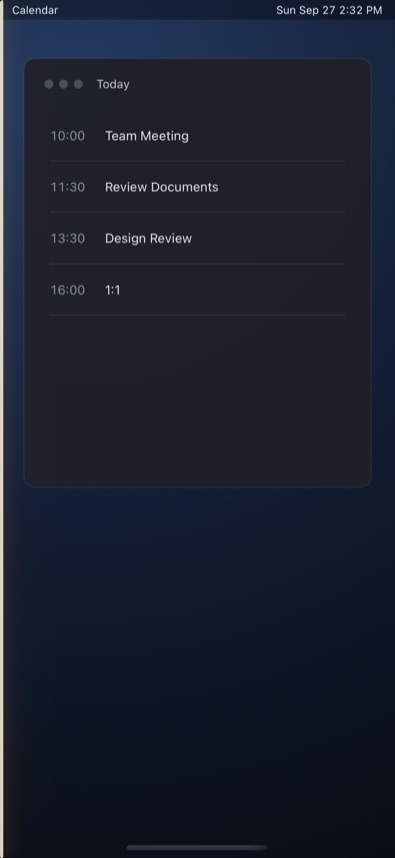
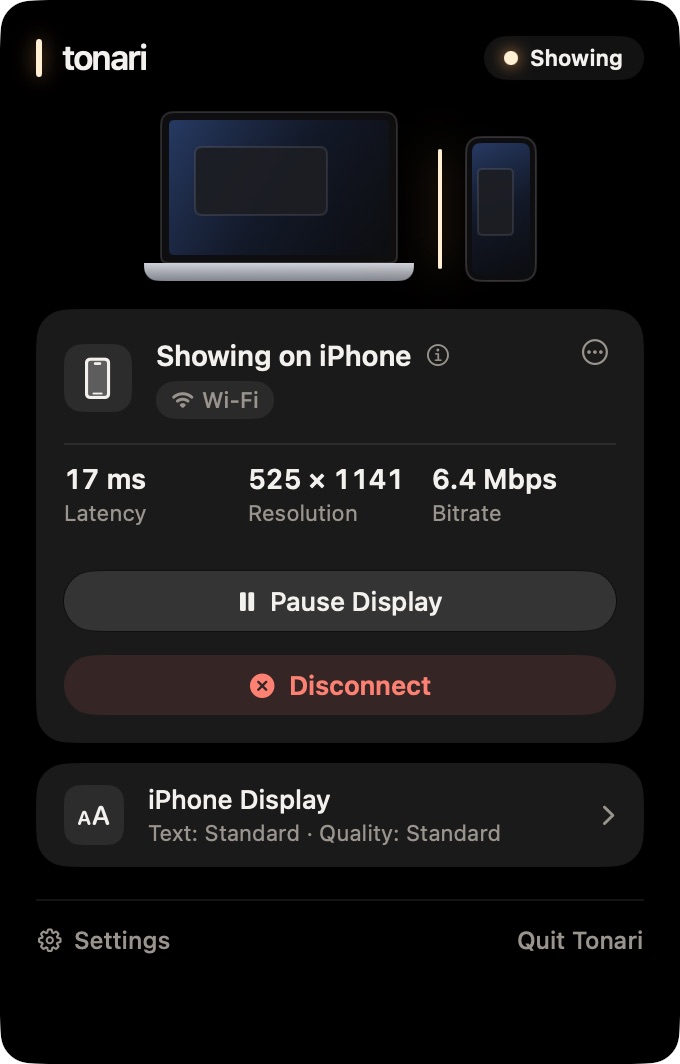
- iPhone screen and Mac menu (sample screens; the numbers are for illustration)
If you use photos or frames of Apple products, please follow Apple’s guidelines.
Requirements and contact
See Requirements on the home page. For questions about your article or video, contact kazuapp1226@gmail.com.